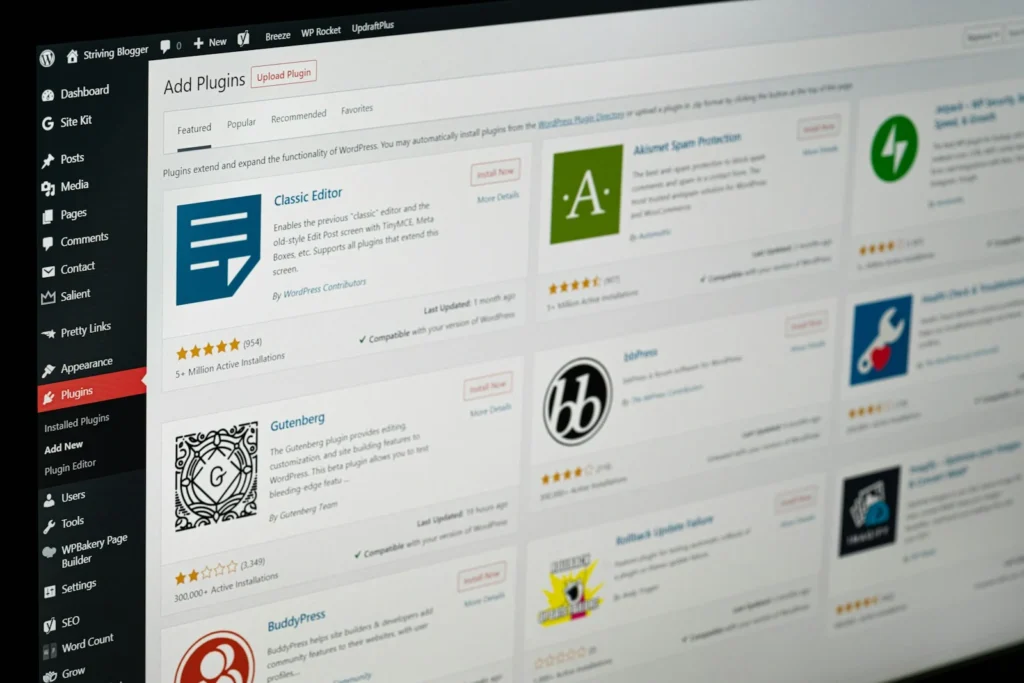
A website is never really finished
WordPress, your theme and your plugins all release updates regularly, for new features, bug fixes and security patches. Skip them and the site slowly falls behind. Apply them carelessly and something can break.
A maintenance plan handles this for you. Every change is made with a backup in place, the site is checked afterwards, and you get a short report each month showing what was done.
What is included
Every monthly plan covers the following.
- Core, theme and plugin updates, applied and checked so nothing breaks
- Backups before every update, stored off-site so the site can always be restored
- Uptime monitoring, with an alert if the site goes down
- Security checks, including regular scans and login protection
- Small content edits, such as text, image or minor page changes
- A monthly report listing updates, backups and anything that needs your attention
What a month looks like
The same routine every month, so small problems are caught before they become big ones.
01
Back up
A fresh backup of your files and database is taken before anything changes.
02
Update and test
Updates are applied, then key pages, forms and menus are checked.
03
Check
Uptime, security scan results and any warnings are reviewed and dealt with.
04
Report
You get a short summary of what was done and anything that needs a decision.
Clear about the scope
Knowing what is and is not included up front means no surprises later.
If something goes wrong
If the site goes down or is compromised, I restore it from the latest clean backup and look into the cause.
Deeper malware cleanup or rebuilding, if it is ever needed, is quoted separately before any work starts.
What the plan does not cover
- Redesigns or new page layouts
- New features or plugins that need setting up
- Large content projects or blog writing
- Hosting and domain costs
These are quoted separately, so you always know the cost first.
Questions about website maintenance
Looking for something else? See website development, speed optimization, all WordPress services or ask me directly.
Do I need maintenance if my site works fine?
Most problems build up quietly: outdated plugins, missed security patches, no recent backup. Regular care keeps a working site working, and makes any problem cheaper to fix.
Can you maintain a site someone else built?
Yes. I look over the site first to check how it is set up, then confirm exactly what the plan will cover.
Why not just turn on automatic updates?
Automatic updates can break a site without anyone noticing. On a plan, updates are applied with a backup in place and the site is checked straight afterwards.
How often are backups taken?
Before every round of updates, plus a regular schedule agreed for your site. Backups are stored off-site, away from your hosting.
What counts as a small content edit?
Changes such as updating text, swapping images or adding an item to an existing page. Anything bigger is quoted before work starts.
Want your site looked after?
Tell me about your website and I’ll suggest a maintenance plan that fits. I reply within 24 hours.